Publish
What your map needs before players can download it in TripleA: its name and version in map.yml, the description and picture the list of maps shows, and the steps to upload it.
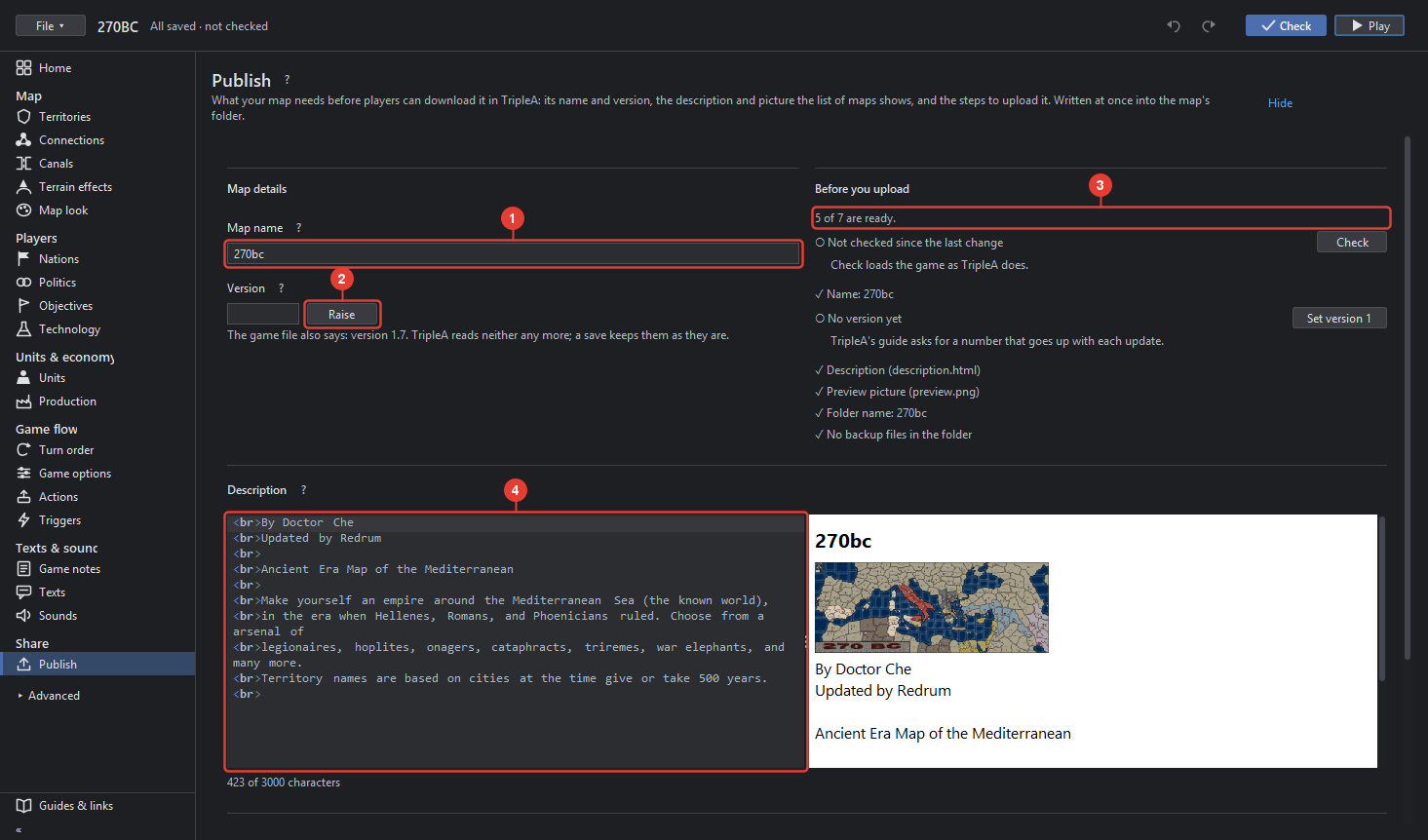
- Map name: the name in TripleA's list of maps to download (map.yml map_name), at most 70 characters. The games in the map have names of their own; Rename map changes the game's.
- Version: a simple number, raised with each update you upload; Raise makes it one higher. The line below says what the game file still carries, which TripleA no longer reads.
- Before you upload: the checklist, "n of m are ready": checked since the last change, a name, a version, the description, the preview picture, the folder's name as the upload guide asks it, no backup files in the folder. Each ○ has a button that does it, for example Set version 1 or Check.
- Description: what the list of maps shows about the map (description.html), with a preview as TripleA shows it and the count of characters, 3000 at most.
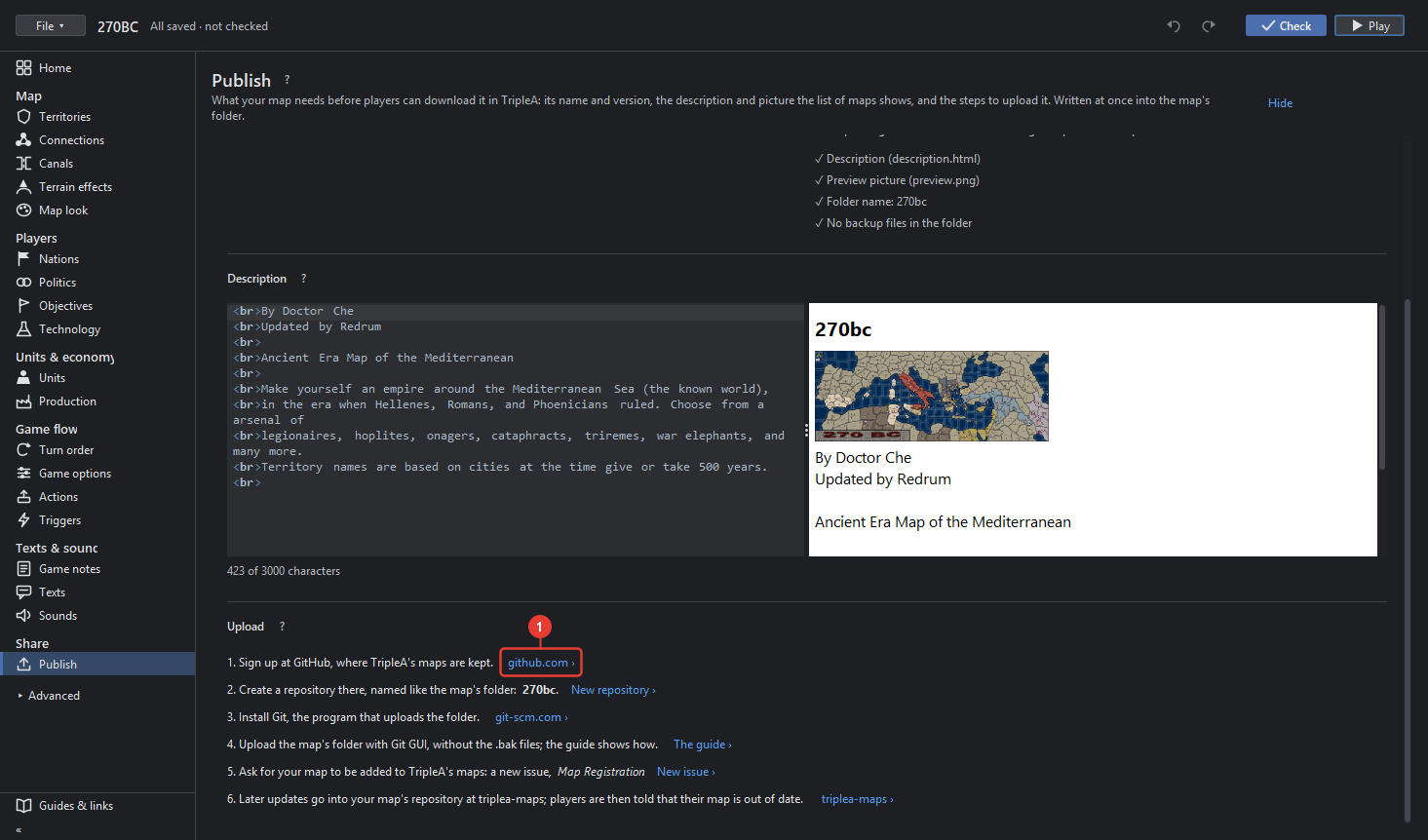
- Upload: the steps to publish, each with a link. Sign up at GitHub, create a repository
named like the map's folder, install Git, upload the folder with Git GUI without the
.bakfiles as the guide shows, ask for the map to be added with a Map Registration issue, and later updates go into the map's repository at triplea-maps, after which players are told their map is out of date.
Export as zip… in the File menu packs the folder without the .bak files for an upload by
hand.