Terrain effects
Effects such as forest or mountain: how units fight and move in the territories that have them.
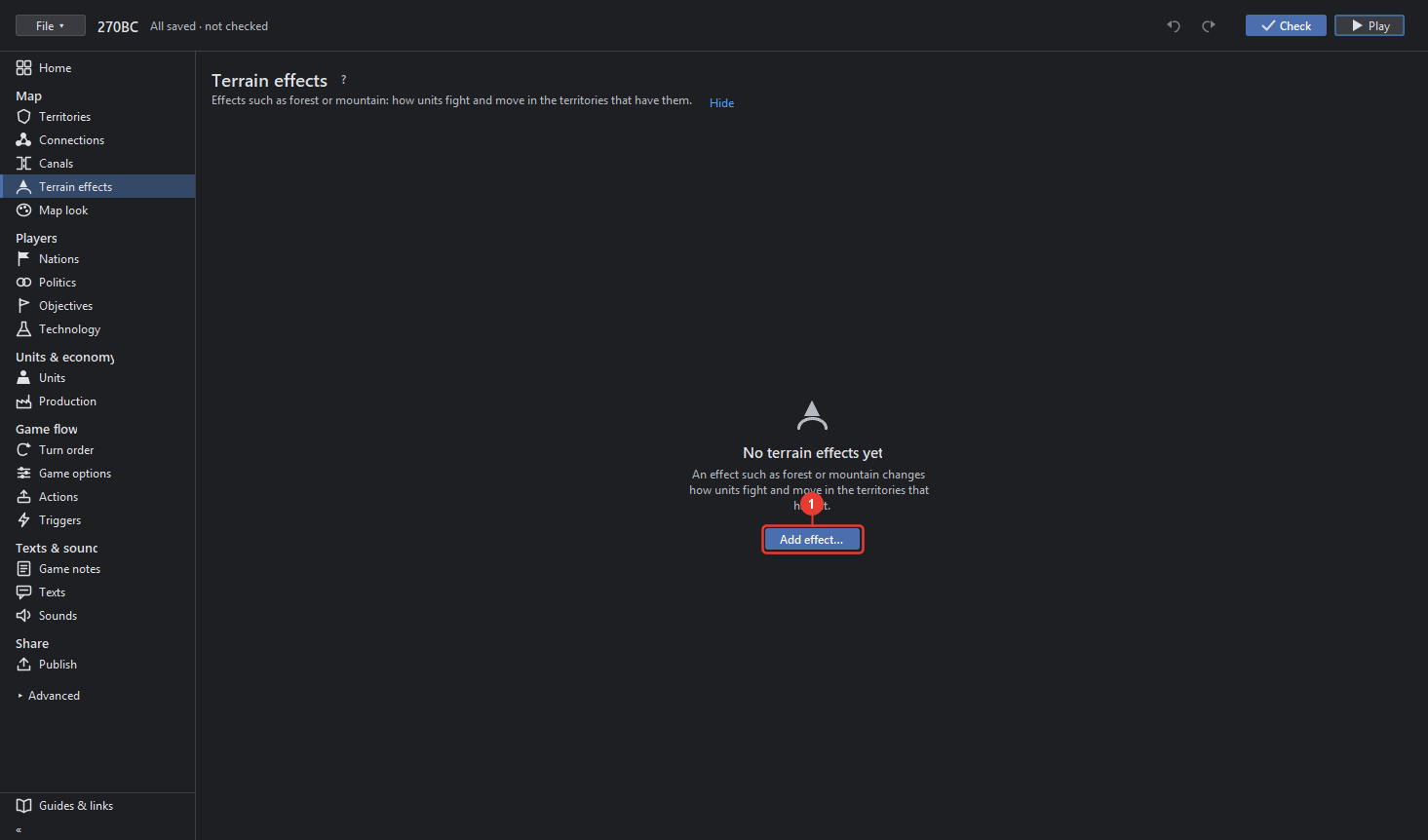
- Add effect… makes an effect: give it a name. A map without effects shows this alone.
An effect, once chosen in the list on the left, has:
- Name as the game file names it; a marker picture of that name in the map's
territoryEffectsfolder is drawn on the territories that have the effect. "No picture in the map's folder" says there is none yet; "Save the map first: the picture goes into its folder" while the map is new. - In battle and on the move: what the effect does to units, each line a unit type with its change, for example attack −1 or movement cost 2. Choose… picks the unit types; × takes a line away.
- Who may enter: unit types the effect keeps out, for example tanks out of a swamp.
- Show on map switches to Territories with the effect as the Paint brush, where a click gives a territory the effect. Paint → Terrain effects in Territories does the same.
- Remove effect takes it out of the game and off every territory.