Sounds
The sounds the game plays, for example for a land battle or a nation's turn. Choose mp3 files for a sound, or leave it to the game's own. The settings go into sounds.properties.
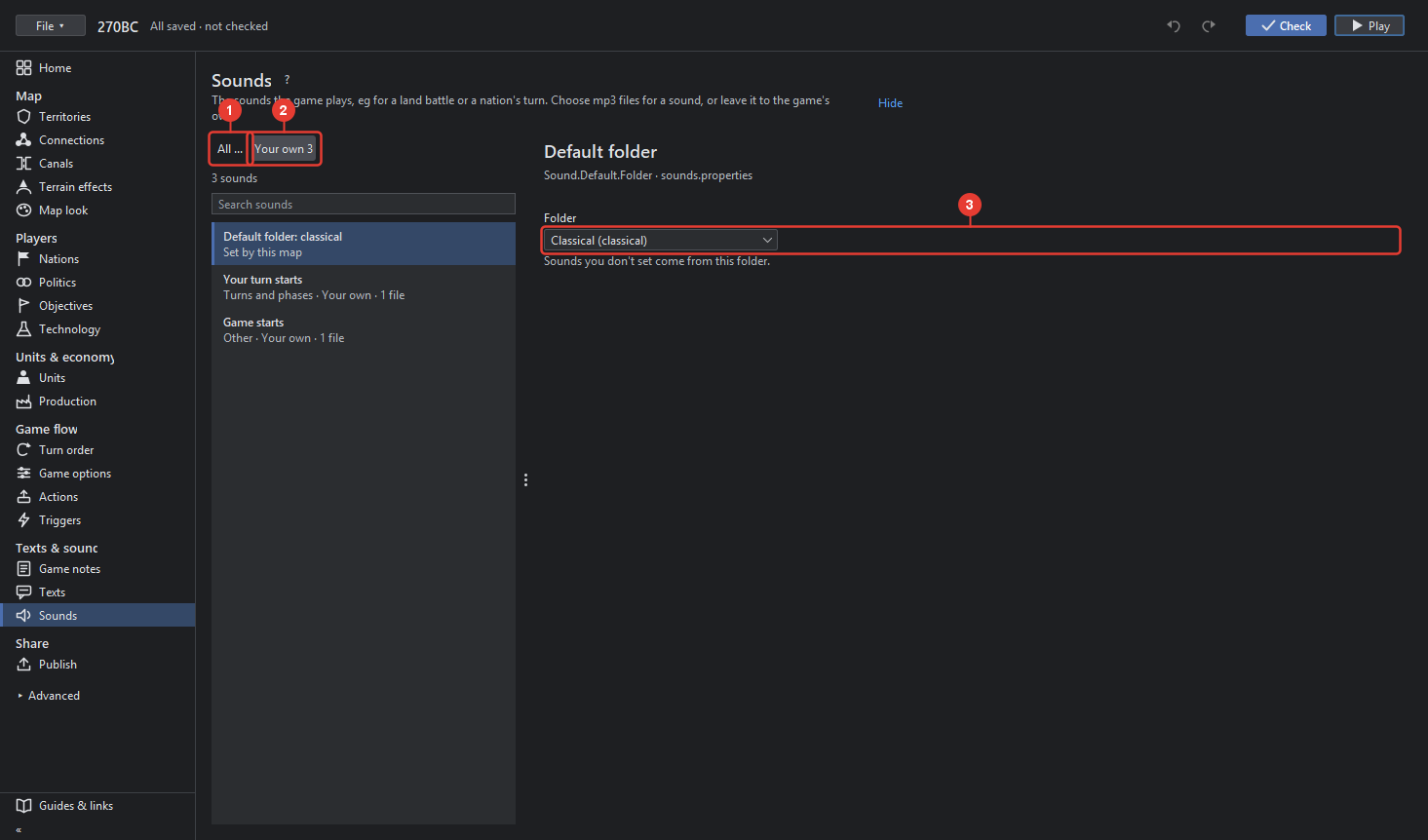
- All lists every sound the game knows, with its key.
- Your own lists only the sounds this map sets.
- Default folder: the folder the sounds you do not set come from (Sound.Default.Folder).
A sound, once chosen in the list, has:
- Plays: when the game plays it, in plain words, and For which nation when the sound is per nation.
- Folder or files: Add file… adds an mp3, Add folder… a folder of them, from which the game picks one at random; × takes one away; Files as text shows the line as the file has it.
- ▶ and ■ play and stop the sound here.
- Use the game's own sound takes the map's setting away.