Texts
The texts the game shows by key: objectives, the messages of triggers, unit tool tips and the texts of actions. Each is saved in its file beside the game: objectives.properties, notifications.properties, tooltips.properties and politicstext.properties. A tab per file, each with its count.
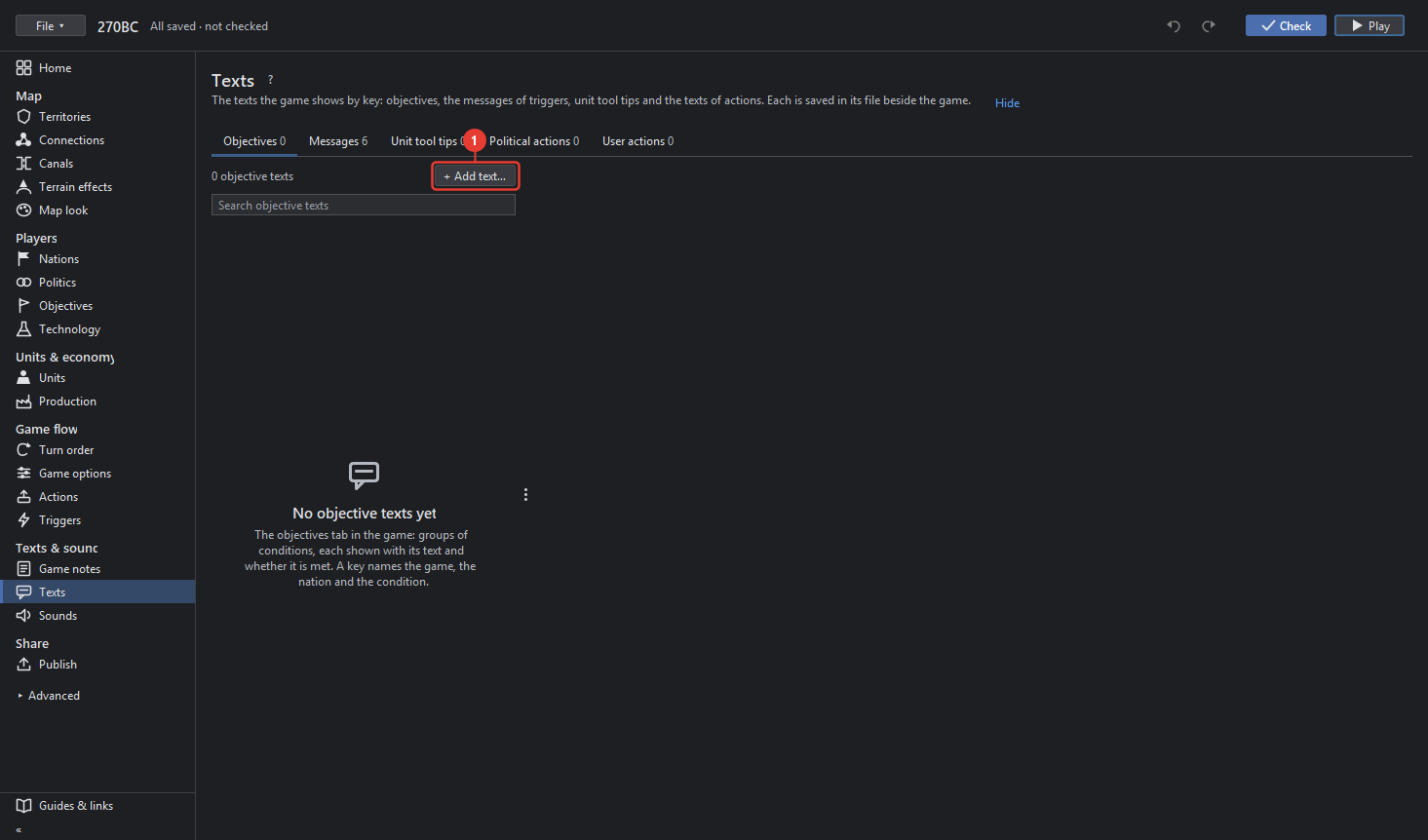
- + Add text… adds a text to the tab's file with a new key.
Each text has:
- Key: how the game finds the text. For an objective the key names the game, the nation and the condition; for a trigger's notification its name; for a tool tip the unit type; for an action its text key with .BUTTON, .DESCRIPTION and so on.
- Text: what the players read; HTML is allowed where the game shows HTML.
- Preview as the game shows it.
- In this group (n): the texts that share a key's start, for example one action's texts.
- Use them for this game appears when the texts are in a file of another game of the map: it copies them for this one.
- Remove text takes it out of the file.
The Objectives, Triggers and Actions tools edit the same texts where they belong; this tool shows them all at once, also texts no tool names.